How to Record Your Screen on PC
What are the Screen Recording Software for PC?
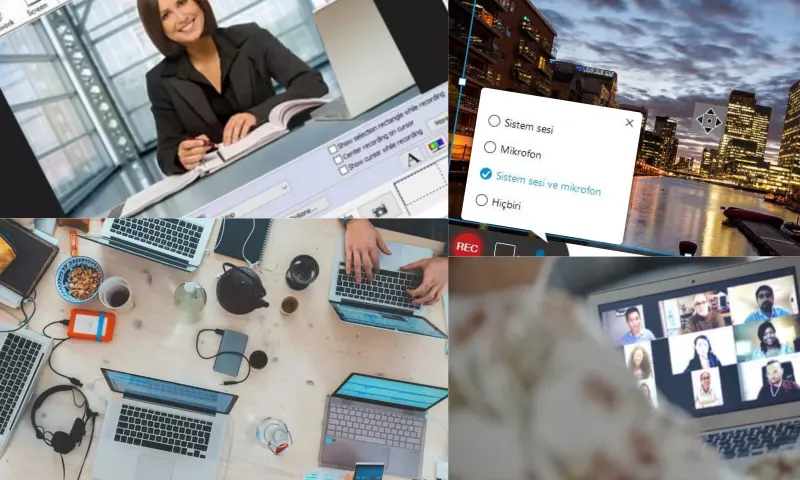
Recording your screen on a PC is a useful feature for many purposes, such as creating tutorial videos, recording your performance while gaming, or visually documenting issues for technical support. You need to choose and download the right screen recording software for your PC. There are many free or paid options available online. After downloading and installing the software, open it. Once you launch the screen recording software, specify the screen area you want to record. You will need to create a frame to select the recording area. If you want to record audio, adjust your microphone and system sounds. If you are looking for a program to record your screen on PC, you can visit the website https://recorditor.com/tr/.
Which Formats Should Be Preferred for Screen Recording on PC?
There are several popular options among screen recording software for PC. These programs stand out with their user-friendly interfaces, various features, and high-quality recording capabilities. OBS Studio, which is free and open-source, excels with its multi-platform support, customizable recording area, and extensive setting options. Camtasia is a software that offers professional-quality screen recording and video editing. It is popular due to its user-friendly interface and rich features. Bandicam is software that can perform high-quality screen recording with low system requirements. It is particularly preferred for game recordings. Video formats are preferred for screen recording on PC. The most commonly used video formats include MP4, AVI, MOV, and WMV. These formats are suitable for high-quality video recording and are supported by most media players and video editing software. MP4 is the most preferred format because it offers high-quality video and optimizes file size. However, the preferred format may vary depending on the type of content you are recording, the software you will use, and the purpose of the file.